
Stop Losing Money Between Design and the CNC Router.
Every time a design file has to be manually re-entered into your production system, you risk a costly error - a wrong dimension, a missed rabbet, a misread grain direction. Seradex ERP bridges your CAD/CAM environment directly to your shop floor, so your cutlists, BOMs, and routing steps are generated automatically - with zero re-keying.
The Value of CAD/CAM Integration That Eliminates Re-Keying
Millwork shops that manually re-enter CAD data into their ERP or CNC software average 3–5 errors per 100 parts - errors that mean rework, wasted sheet goods, and late deliveries. With Seradex, your design data flows directly from Cabinet Vision, Microvellum, or TopSolid into production-ready work orders. No spreadsheets. No transcription. No surprises.
Customers integrating CAD/CAM with Seradex often see production errors drop by up to 40%, project lead times from design to first cut improve by about 25%, and sheet goods yield from nesting optimization improve by up to 18%.
Key Features: Built for Millwork CAD-to-Shop-Floor
Direct CAD-to-work-order flow
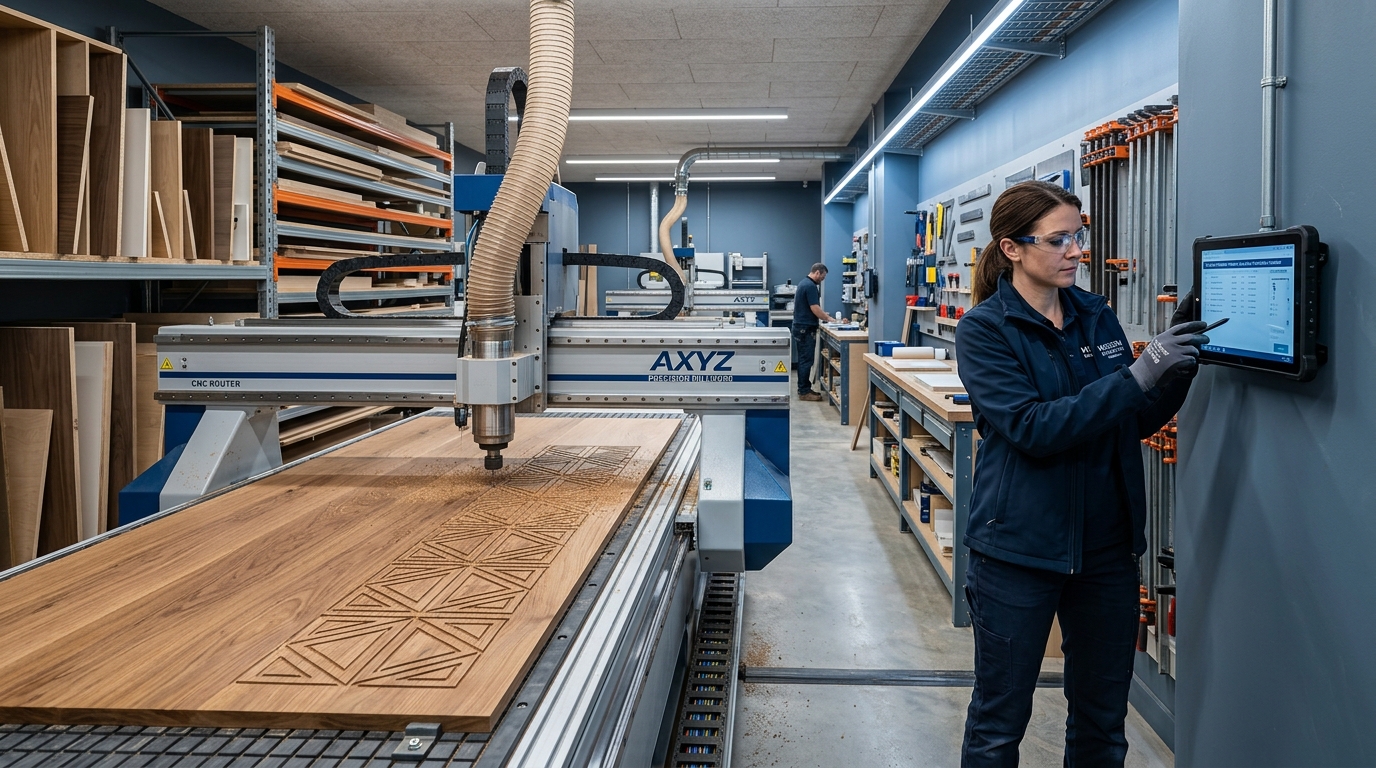
Import your cabinet designs, door schedules, and millwork assemblies directly. Seradex auto-generates BOMs, cut-lists, and work center routing steps - ready for your saw, router, or CNC the moment the order is approved.
Optimized nesting and sheet yield
Feed your panel dimensions and grain requirements directly into your nesting software. Seradex tracks actual sheet consumption against your BOM, giving you real-time material yield data - and alerting you when scrap rates spike.
Design conflict detection before fabrication
Catch dimensional conflicts, missing components, and BOM mismatches before a single sheet hits the saw. Seradex validates your design against available inventory and machine tolerances at the point of work order creation.
Scheduling tied to design readiness
Work orders aren't released to the shop floor until CAD files are approved and materials are confirmed available. No more partial jobs sitting at a work center waiting for a missing panel or hardware component.
Design-to-build accuracy reporting
Track how often completed parts match the original design spec. Identify which work centers or operators have the highest variance - and coach for continuous improvement.
Bi-directional updates
When a customer change order modifies a cabinet run, Seradex re-generates the affected cut-lists and flags impacted work orders automatically - keeping your shop floor and your design team in sync.
Case Studies: Success in Action
Real Results from Millwork Shops Like Yours
Case Study 1:
Custom architectural millwork shop
Before Seradex, our shop foreman was manually re-entering Cabinet Vision data into our work orders every morning. We were losing two hours a day and making mistakes we didn't catch until parts were already cut. Now it's automatic - and our scrap rate dropped by a third in the first quarter.
Case Study 2:
Shops integrating CAD/CAM with Seradex
Production errors drop by up to 40%, project lead times from design to first cut improve by about 25%, and sheet goods yield from nesting optimization improve by up to 18%.
Case Study 3:
Design changes mid-production
Seradex flags affected work orders, highlights completed vs. remaining operations, and re-generates only the cut-list items that changed - preserving production progress and minimizing disruption.
How this connects to Seradex modules
- BOM and cut-list generation - approved designs flow into bills of materials, panel schedules, and cut-lists without re-entry.
- Inventory validation - lumber, sheet goods, hardware, and finish are checked against the BOM before work orders are created; shortages can trigger a purchase requisition.
- Work orders and routing - work orders are routed by work center (saw, router, edge bander, assembly, finishing) with operations sequenced based on shop capacity.
- Shop floor execution - operators scan into jobs; actual material consumption is recorded in real time.
- Job costing - estimated vs. actual material usage, labor hours, and machine time are compared when the job closes to support more accurate quoting on similar projects.
- Change orders - affected cut-lists are re-generated and impacted work orders are flagged when the design changes.
Frequently Asked Questions
Answers to common questions to help you better understand our solutions and processes.
Which CAD systems does Seradex integrate with?
Seradex has native integrations with Cabinet Vision (Hexagon), Microvellum, and TopSolid. Contact us about your specific toolchain - we support custom import formats as well.
Will this work with our existing CNC post-processors?
Yes. Seradex passes structured cut-list data that your existing post-processor or nesting software can consume. We work with your team during implementation to validate the file handshake.
Does it work for small shops and large manufacturers?
Most millwork shops are fully integrated within 4–8 weeks, including data migration, staff training, and a parallel-run validation period.
Can we handle multiple projects with different design standards?
Absolutely. Seradex supports project-level BOM templates, allowing you to maintain separate material standards for custom residential, commercial casework, and architectural millwork.
What happens when a change order modifies a design mid-production?
Seradex flags affected work orders, highlights completed vs. remaining operations, and re-generates only the cut-list items that changed — preserving production progress and minimizing disruption.
Expert Tips for Millwork Design and Production Teams
- Finalize designs in Cabinet Vision, Microvellum, or TopSolid so Seradex can pull the bill of materials, panel schedule, and hardware list automatically at approval.
- Validate inventory before work order creation so shortages surface as purchase requisitions instead of phone calls and stalled work centers.
- Use design conflict detection at work order creation to catch dimensional conflicts, missing components, and BOM mismatches before material is cut.
- Review design-to-build accuracy reporting to see which work centers or operators show the highest variance and coach for continuous improvement.
ARE YOU READY?
Ready to Connect Your Design Room to Your Shop Floor?
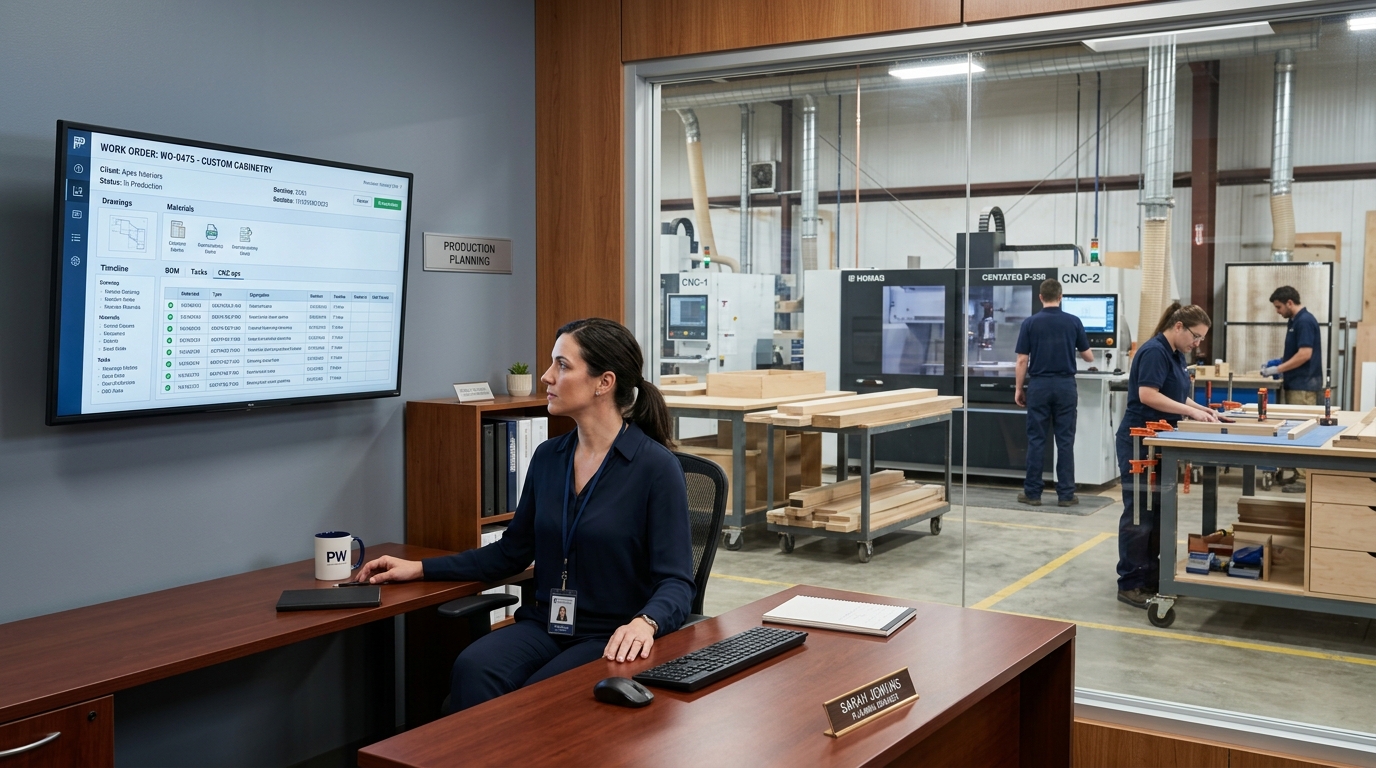
Stop paying for errors that technology can prevent. Book a personalized demo and see how Seradex eliminates the gap between your CAD system and your CNC router.