
From Approved Order to Shop-Floor Work Order in Seconds - Not Hours.
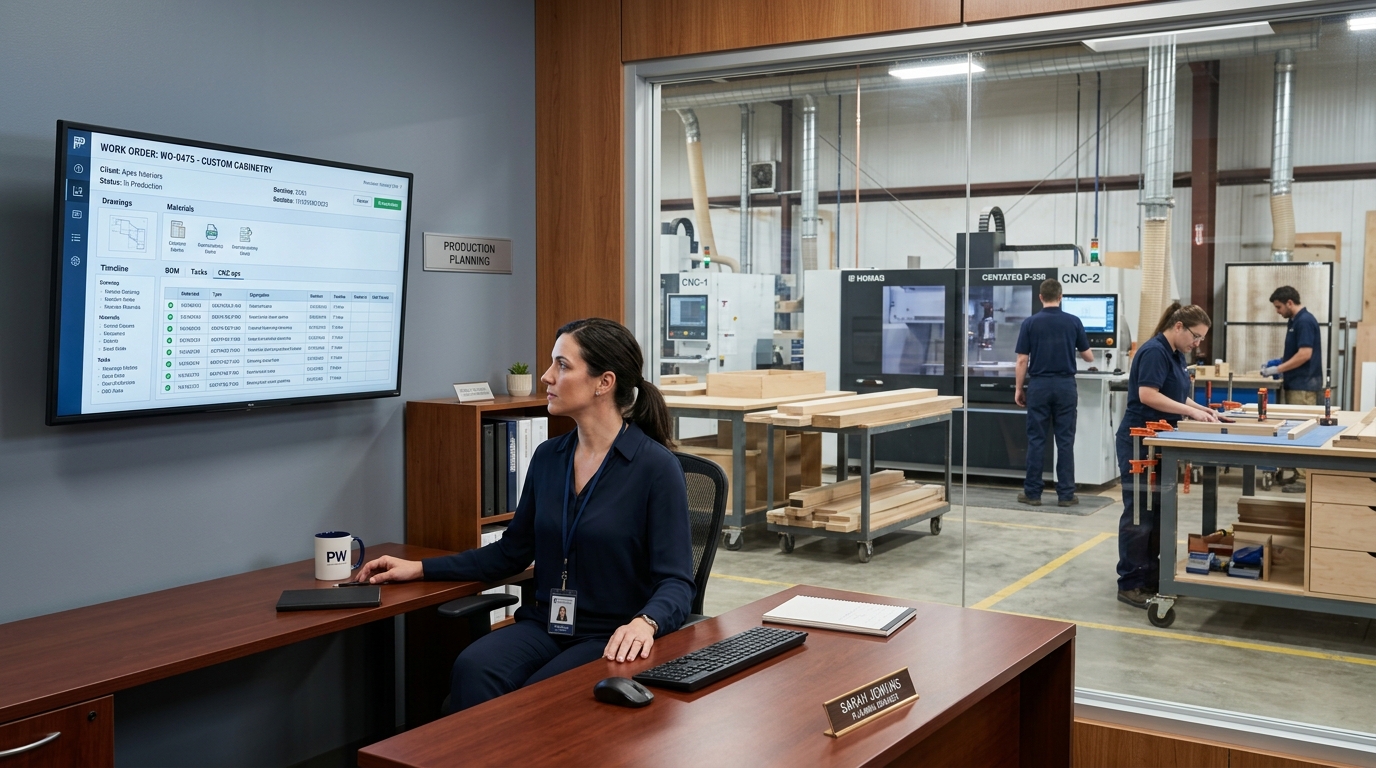
In a busy millwork shop, every minute your production planners spend manually writing work orders is a minute they're not optimizing your schedule. Seradex ERP automatically converts approved sales orders into detailed, routed work orders - complete with cut-lists, BOMs, material allocations, and work centre sequences - the moment an order is confirmed.
The Value of Letting the System Build the Work Order
Manual work order creation isn't just slow - it's a source of compounding errors. A transposed dimension cascades from the cut-list to the router to the edge bander before anyone catches it. By then, you've lost sheet goods, machine time, and a delivery commitment.
Seradex eliminates this chain of risk. When a sales order for a custom cabinet run, an architectural millwork package, or a commercial fixture installation is approved, the system builds the work order automatically - pulling from your BOM templates, current inventory levels, and production schedule - without a planner touching a keyboard.
Millwork shops report meaningful gains after adopting automated work orders: work order setup time often drops by up to 30%, production errors tied to manual entry fall by up to 40%, and production planners typically reclaim 8–12 hours per week for higher-value planning instead of data entry.
Key Features: Built for Millwork Production
BOM-driven work order generation
Every work order is built from your master BOM - including species, thickness, finish, hardware, and joinery details. Whether it's a run of painted MDF shaker doors or custom walnut floating shelves, the right materials and operations are specified from the start.
Automatic cut-list creation
Seradex generates a cut-list for every panel component in the order, organized by work centre sequence - rip saw, panel saw, CNC router, edge bander, assembly, finishing. Your operators get exactly what they need, exactly when they need it.
Work centre routing and sequencing
Operations are assigned to work centres based on your configured routing templates. Seradex accounts for current queue depth and capacity when scheduling - so new work orders slot into your production flow without creating bottlenecks.
Real-time inventory check at order creation
Before the work order is released to the floor, Seradex validates material availability against your current stock - lumber, sheet goods, hardware, and finishing supplies. If something is short, a purchase requisition is triggered automatically.
Live updates for design changes
When a change order modifies door sizes, species, or hardware selections, Seradex updates the work order, re-generates the affected cut-list sections, and flags any completed operations that may need review - keeping design and production in sync without manual intervention.
Progress tracking by operation
Monitor work order completion by operation and work centre. Know at a glance whether a cabinet run is at the router, in assembly, or awaiting finishing - without walking the floor.
Case Studies: Success in Action
Real Results from Millwork Shops Like Yours
Case Study 1:
Commercial casework manufacturer
We were spending three hours every morning just building work orders. Now the system does it overnight. Our planners come in and the floor is already scheduled. It changed how we start every single day.
Case Study 2:
Shops adopting automated work orders
Work order setup time often drops by up to 30%, production errors tied to manual entry fall by up to 40%, and production planners typically reclaim 8–12 hours per week for planning instead of data entry.
Case Study 3:
From sales order to analysed job
When a customer approves a custom millwork package, Seradex expands the BOM, validates inventory, generates cut-lists and routing, releases work orders to the floor, and at close compares estimated versus actual usage and labour - feeding your quoting model with real-world data.
How Automated Work Orders Connect to Your Seradex Modules
- Sales and quoting - approved sales orders trigger work order generation mapped to your BOM and routing templates.
- BOM and cut-lists - templates drive materials, operations, and panel-level cut-lists by work centre sequence.
- Inventory and purchasing - material checks at creation; shortages can raise purchase requisitions or hold work orders until stock is received.
- Scheduling - queue depth and capacity inform how new work orders slot into the floor.
- Shop floor - operators receive digital work orders, scan in, and record consumption for live job cost.
- CAD - Seradex integrates with Cabinet Vision, Microvellum, and TopSolid for CAD-driven work orders and supports standard CNC post-processor exports.
Frequently Asked Questions
Answers to common questions to help you better understand our solutions and processes.
Can work orders be generated from our existing sales order templates?
Yes. Seradex maps your existing customer order formats to your internal BOM and routing templates. Most implementations are configured in two to three weeks.
What if we have non-standard or one-off custom orders?
Seradex supports manual BOM overrides at the work order level. You can modify any line item - species, dimension, operation - without disrupting the template for future orders.
Can work orders handle multi-phase projects like large commercial installations?
Yes. Seradex supports phased work order releases, allowing you to sequence production across weeks or months while maintaining a single project record for job costing and delivery tracking.
Does this work with our CNC and edge bander software?
Seradex integrates with Cabinet Vision, Microvellum, and TopSolid for CAD-driven work orders, and supports export to standard CNC post-processor formats.
What happens if inventory isn't available when the order is approved?
Seradex creates the work order in a "pending materials" status, automatically drafts a purchase requisition for short items, and releases the work order to the floor once materials are confirmed received.
Expert Tips for Production Planners and Plant Managers
- Keep BOM and routing templates current so every approved order expands cleanly without manual lookups.
- Use inventory validation at order creation so short items generate requisitions instead of stalling the floor mid-job.
- For change orders, rely on live work order updates and cut-list regeneration so completed operations are flagged for review when specs shift.
- Track progress by operation and work centre so you can see status without walking the floor.
ARE YOU READY?
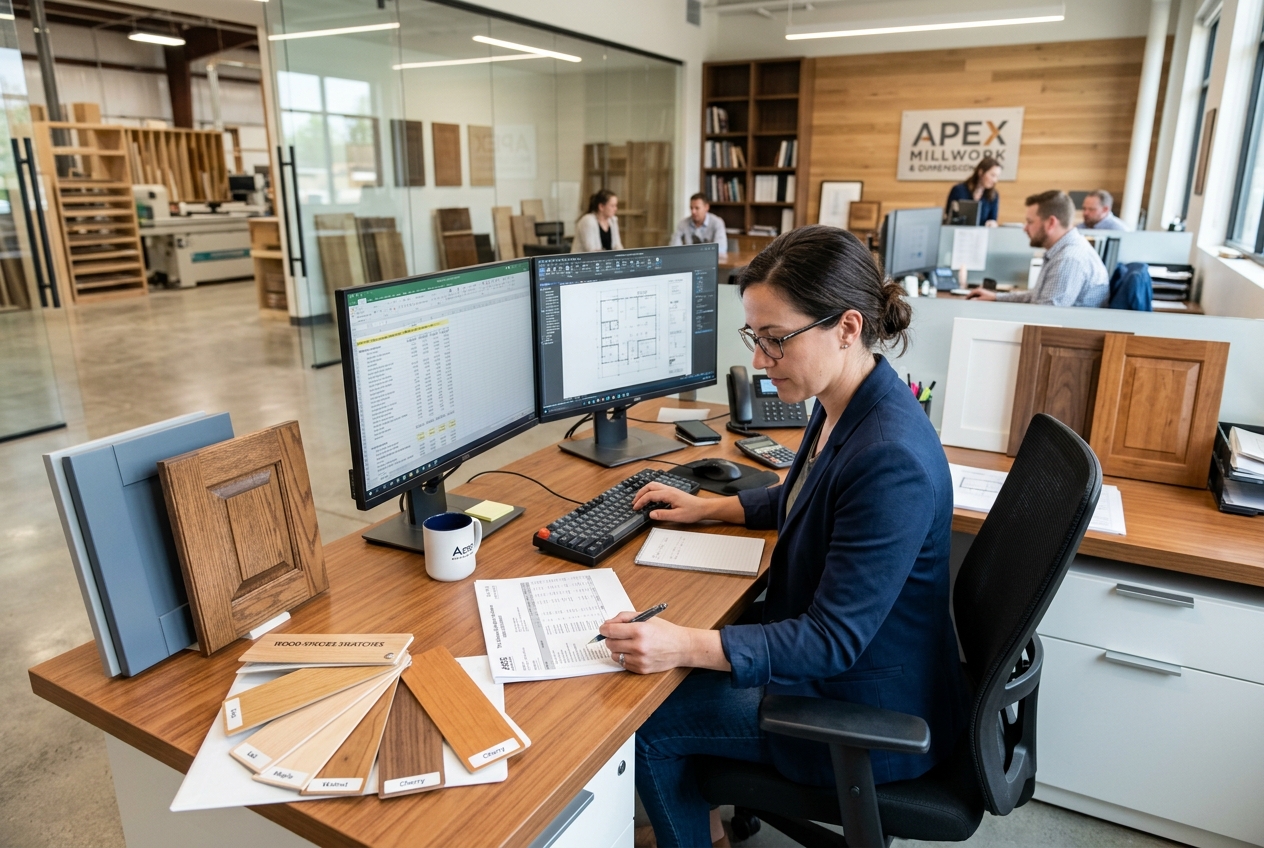
Give Your Production Planners Their Day Back.
See how Seradex automates work order creation - from BOM explosion to cut-list to work centre routing - in a live demo tailored to your millwork operation.